
AI Roblox thumbnail generator · free credits on sign-up
Roblox Thumbnail Maker
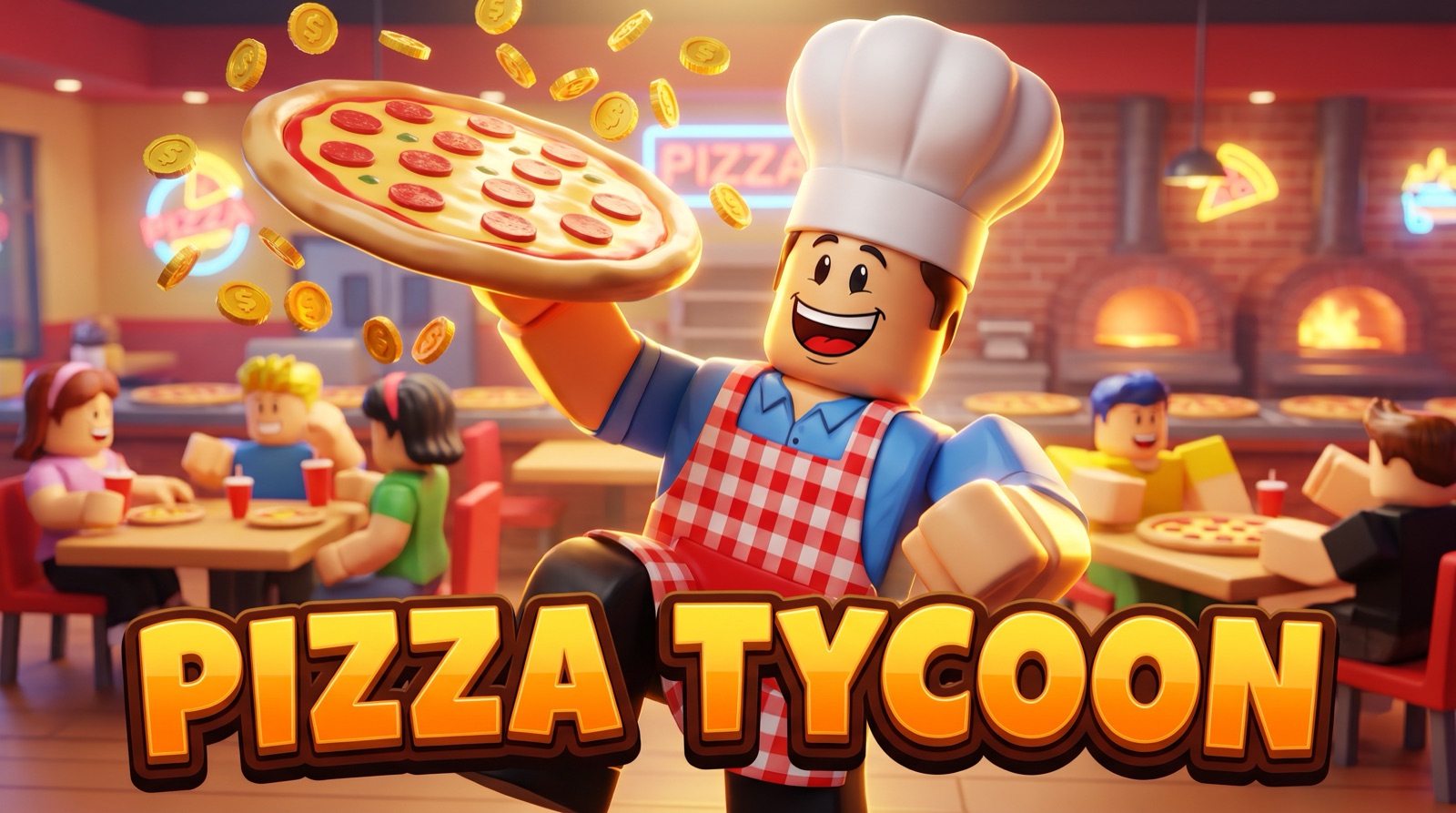
Use our Roblox thumbnail AI generator to turn a one-line game idea or gameplay screenshot into a 16:9 2K Roblox game thumbnail—complete with bold 3D title lettering. Make icons, GFX, logos, and PFPs the same way.
 Roblox Icon Maker
 Roblox GFX Maker
 Roblox Logo Maker
 Roblox PFP Maker
 Screenshot to Thumbnail
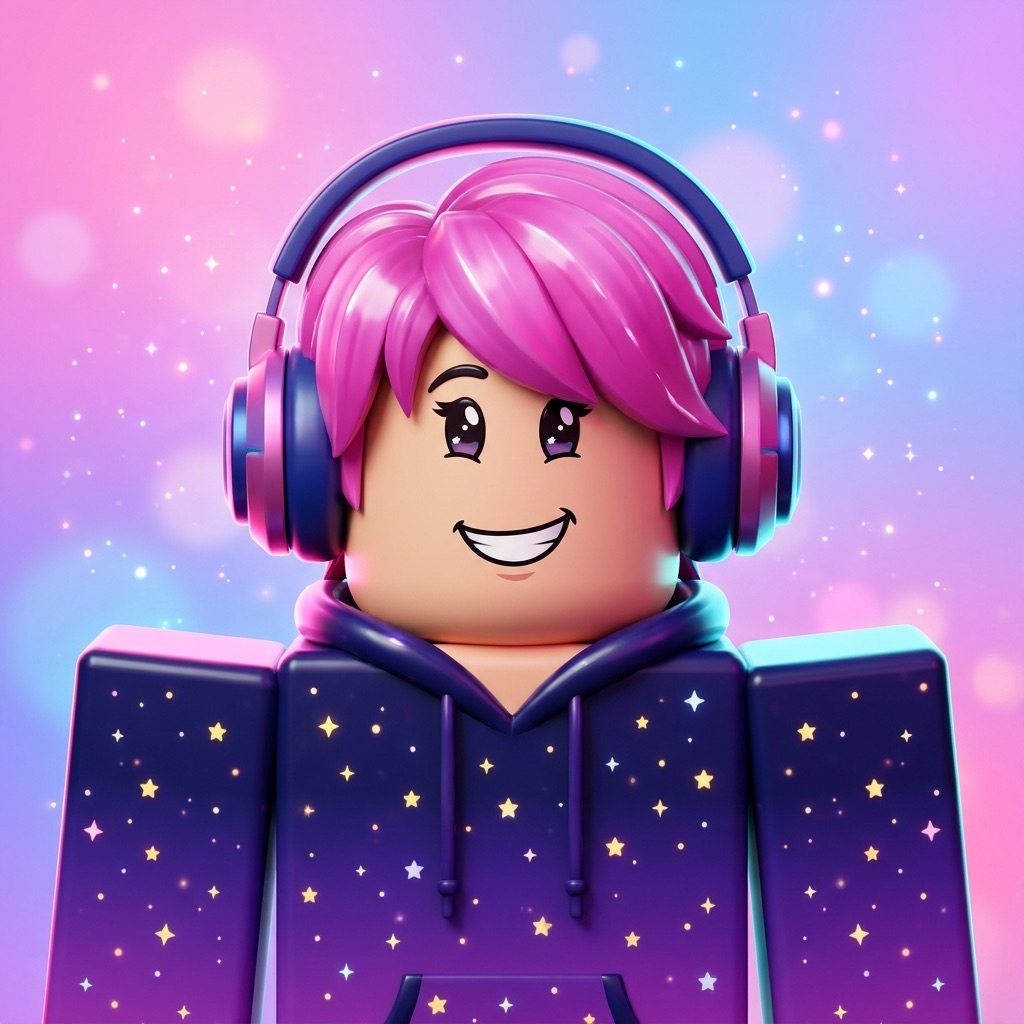
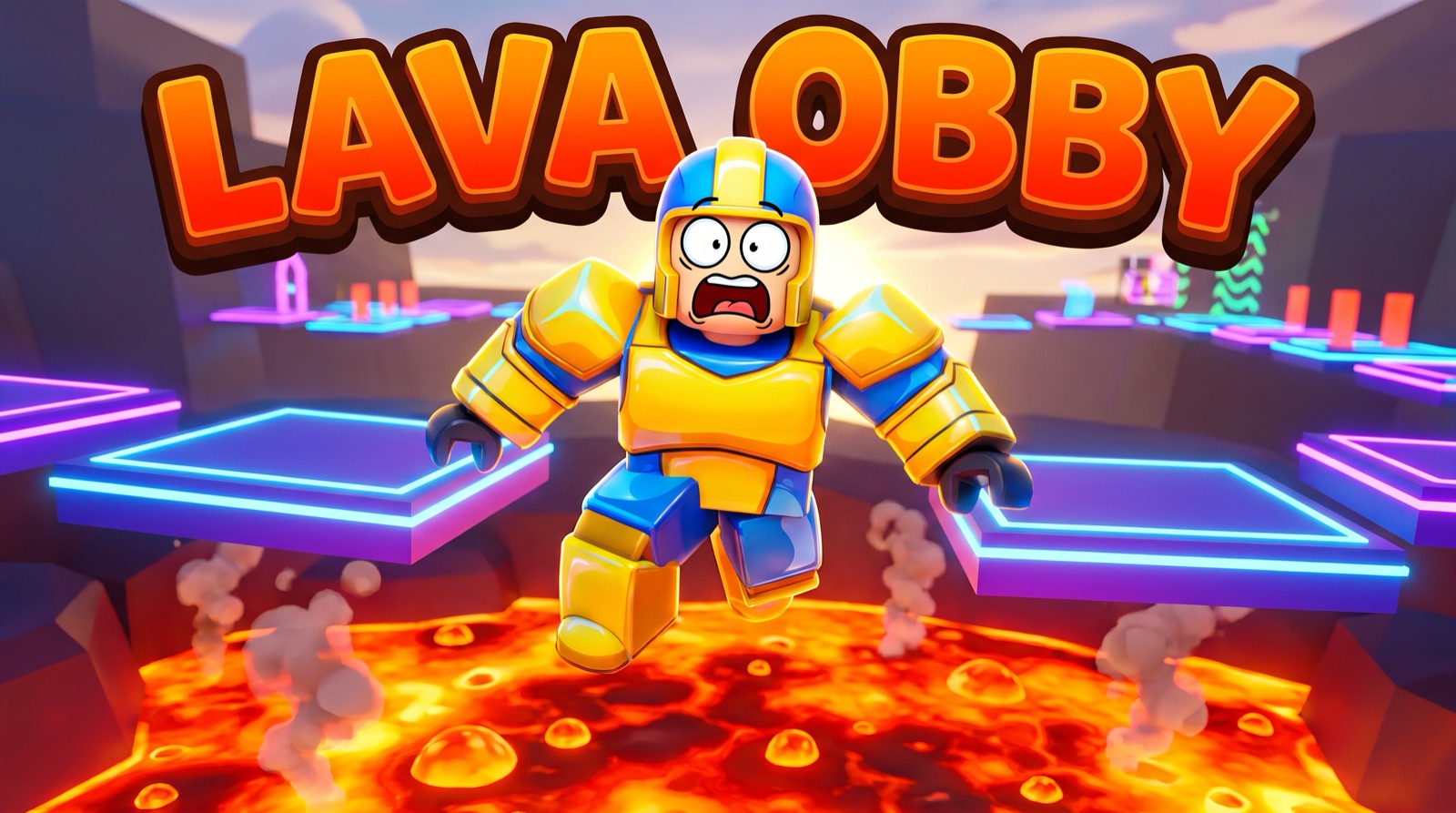
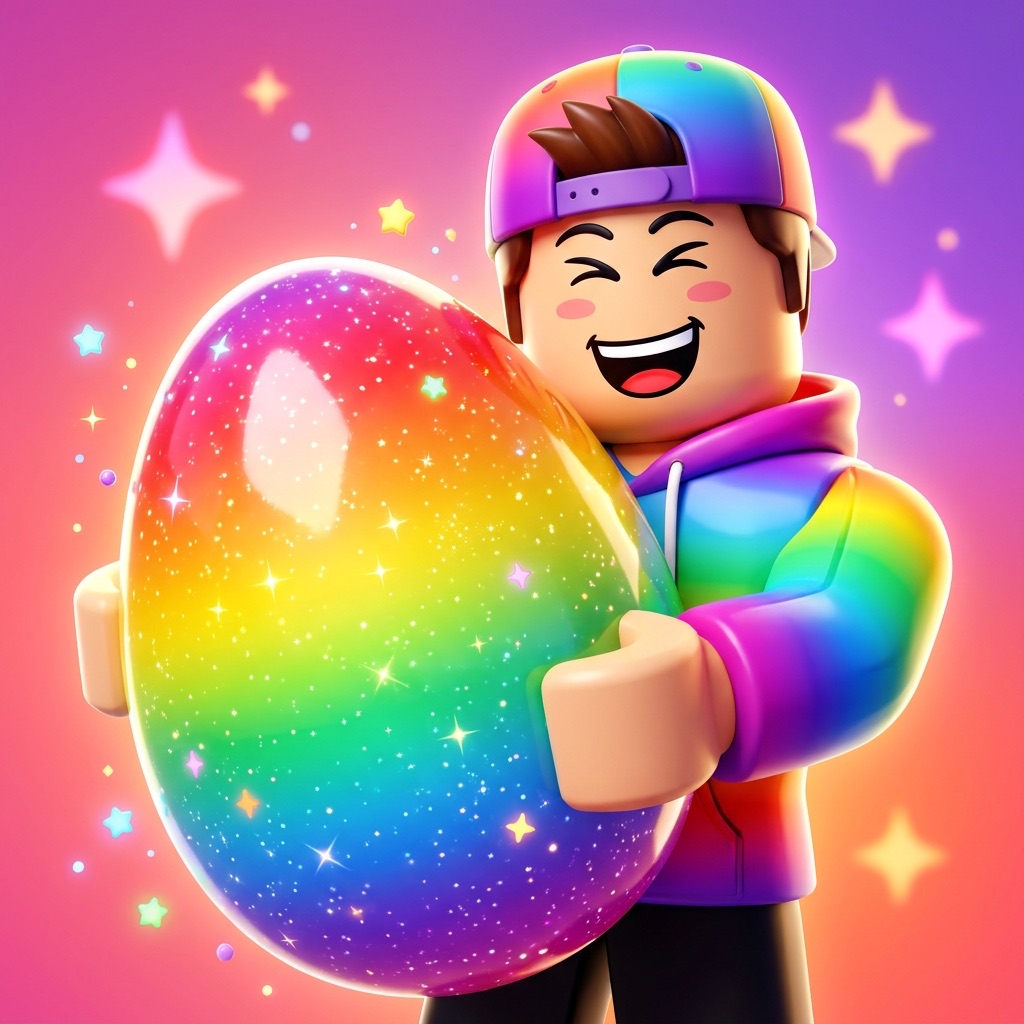
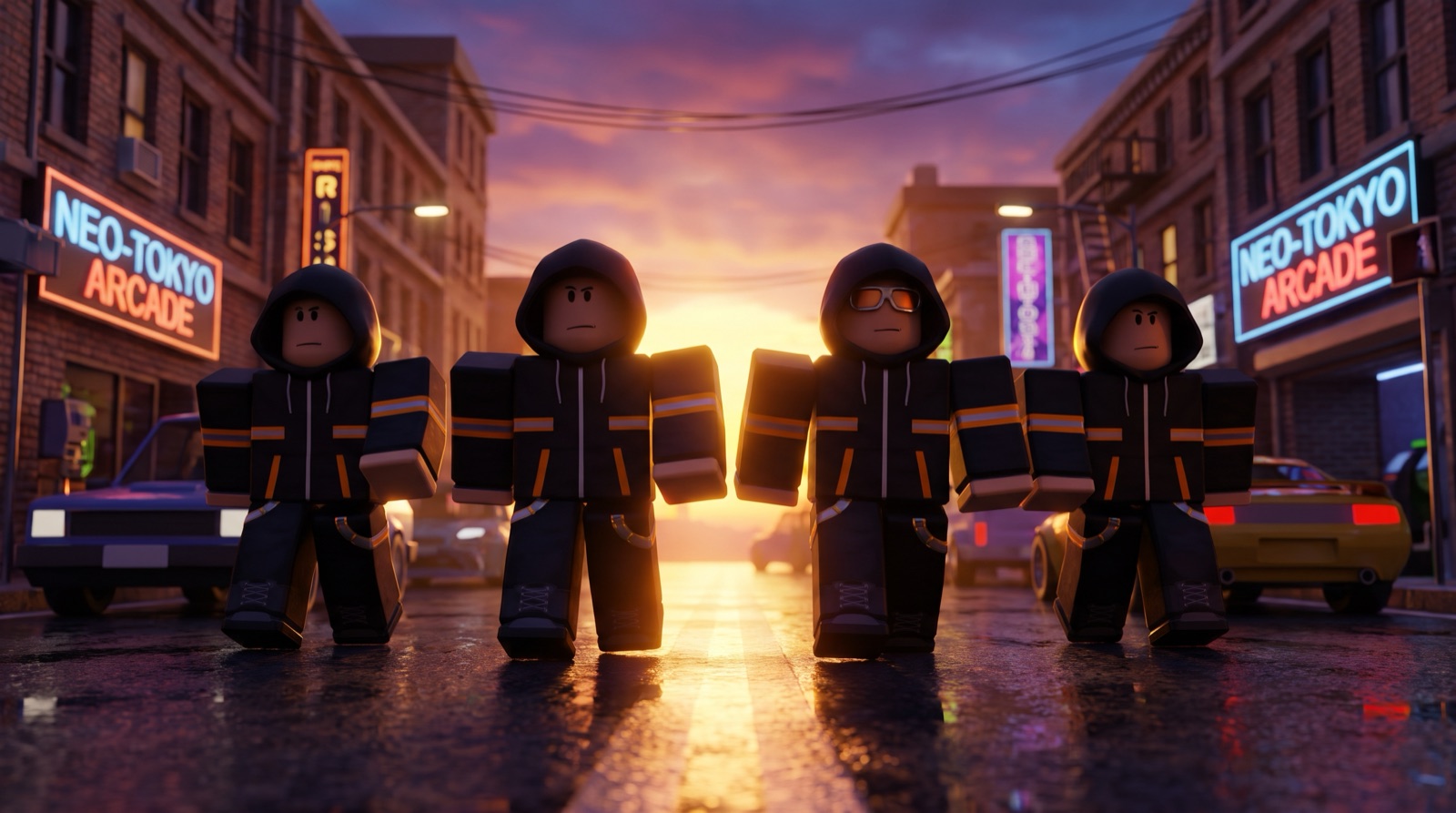
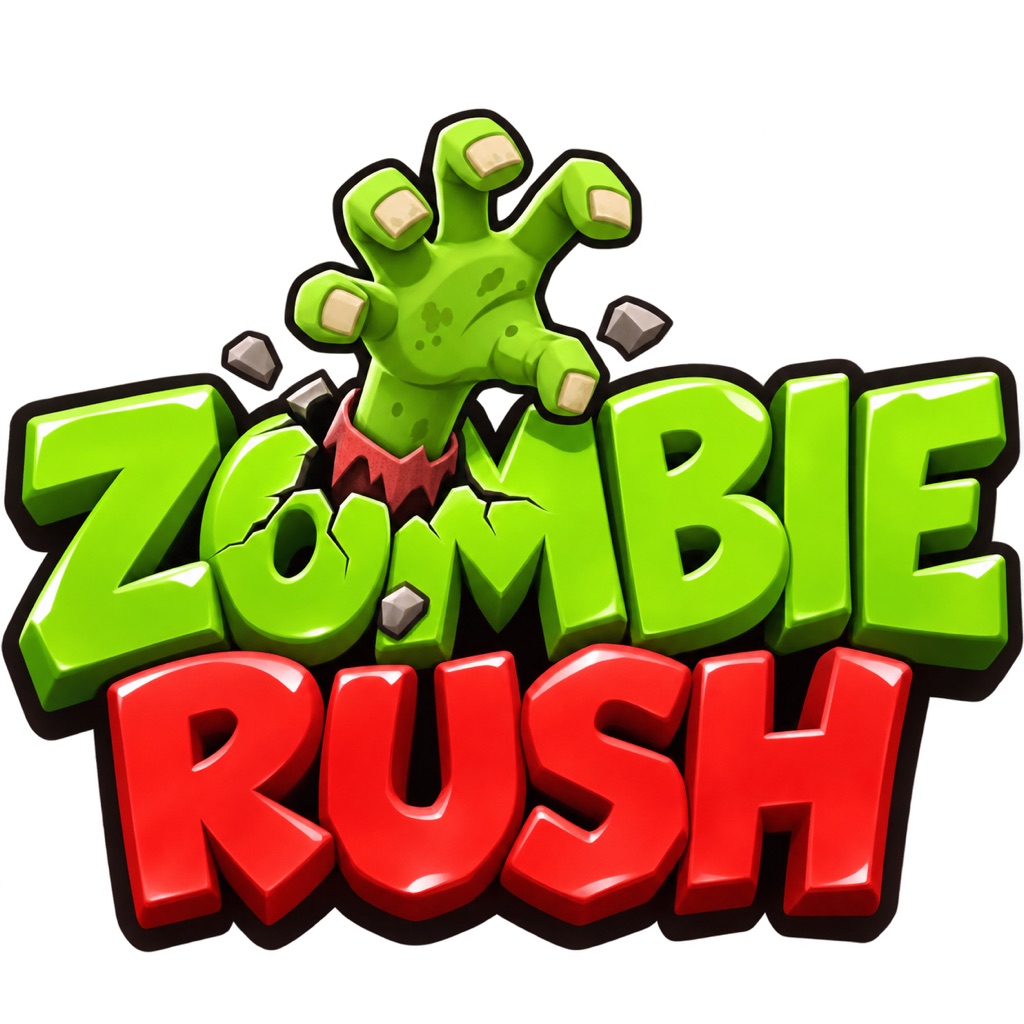
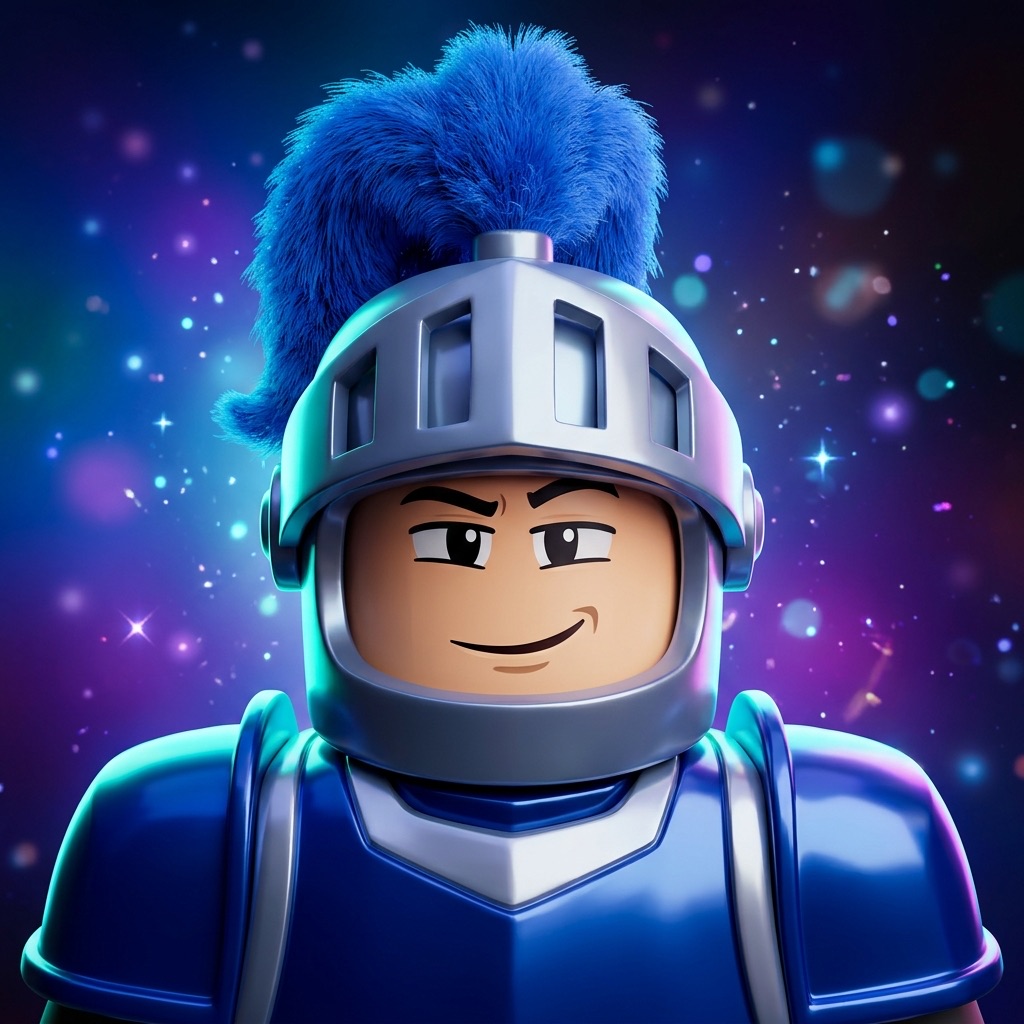
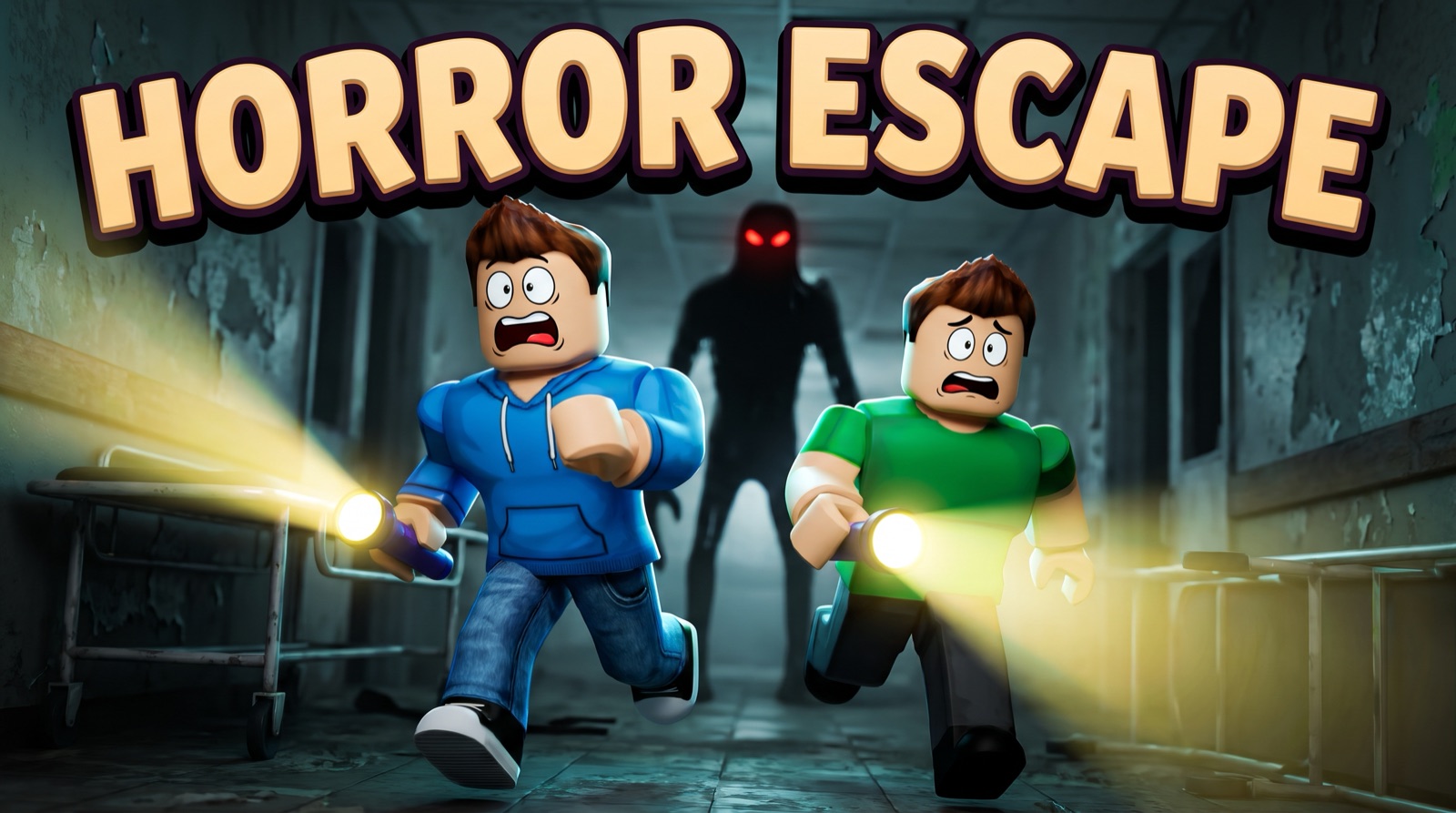
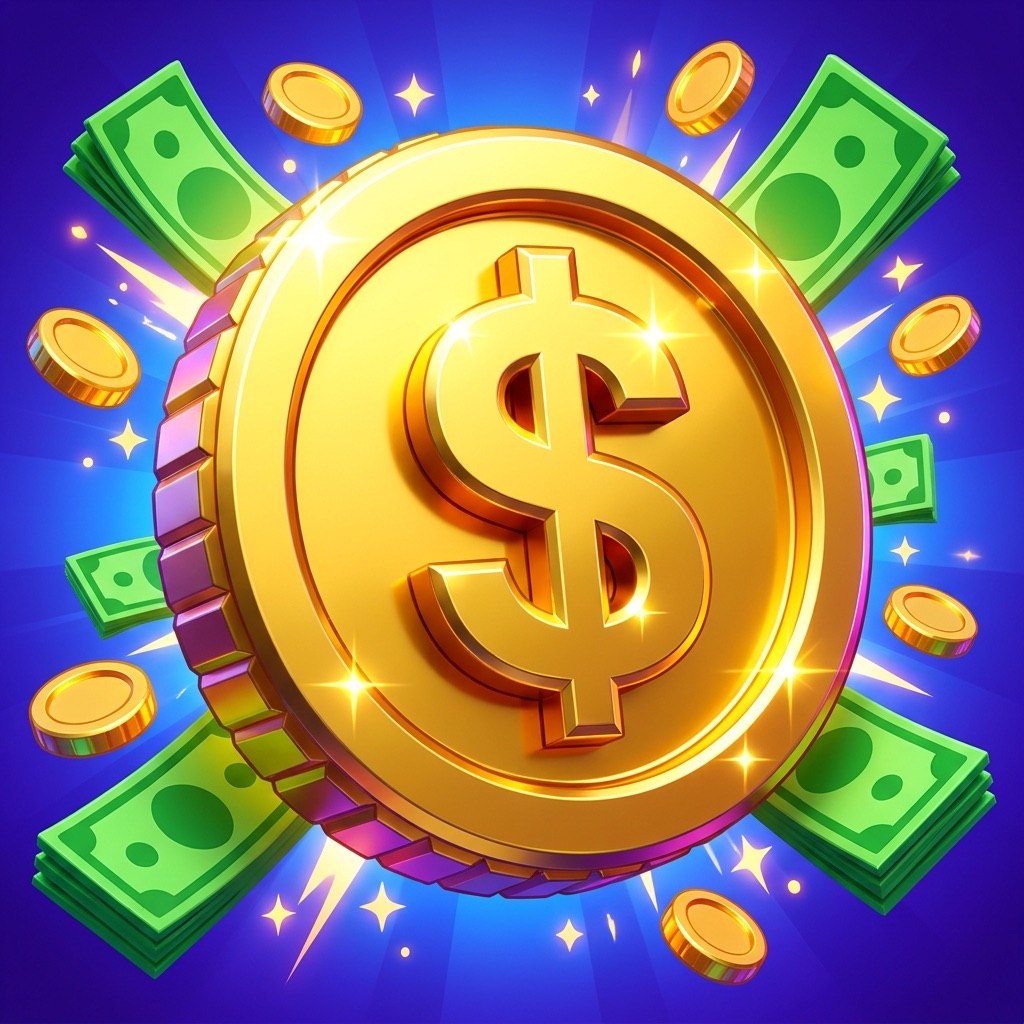
Pick your build mode
Roblox tools
Ready to remix
Roblox thumbnail maker examples, with prompts
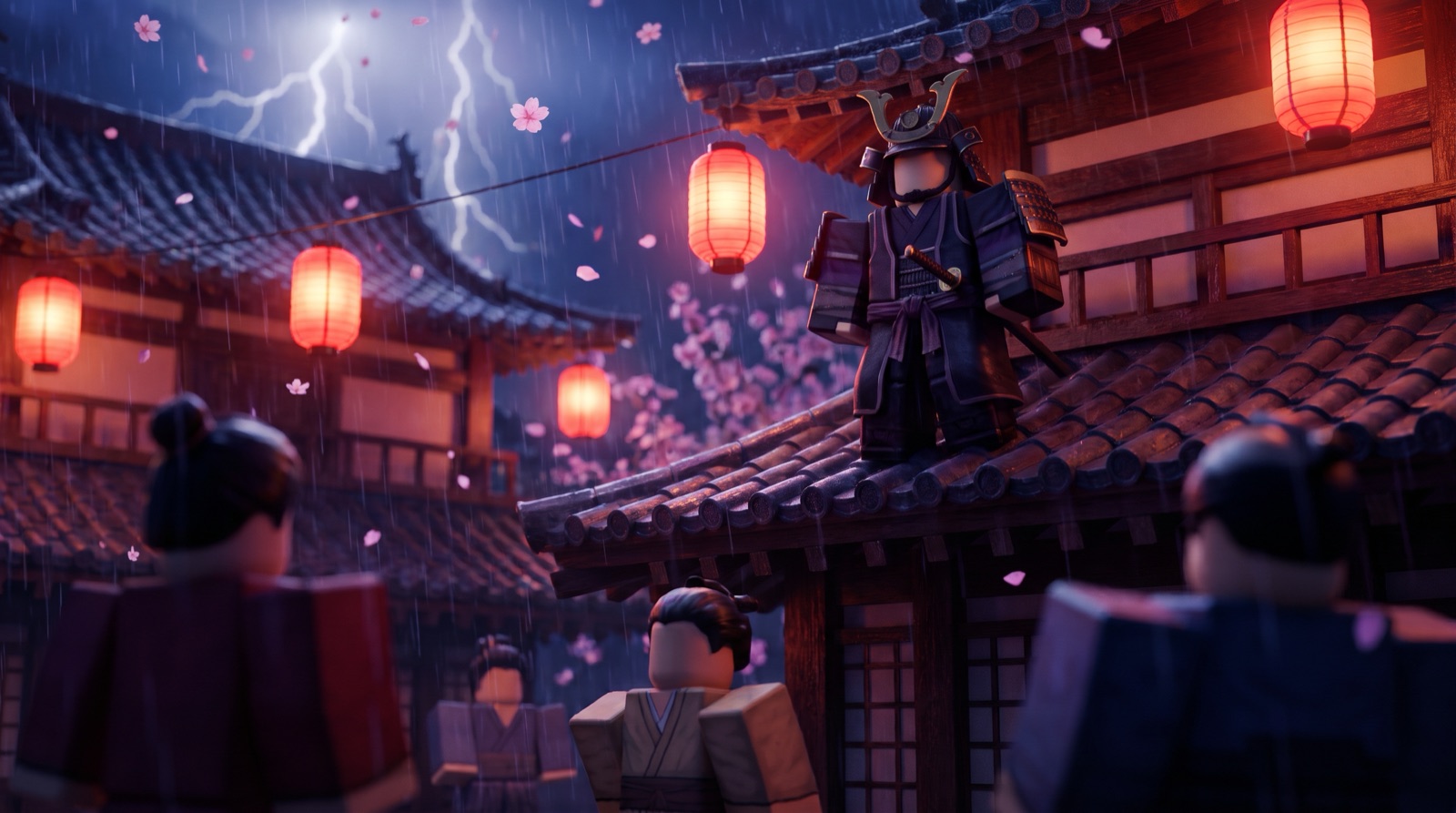
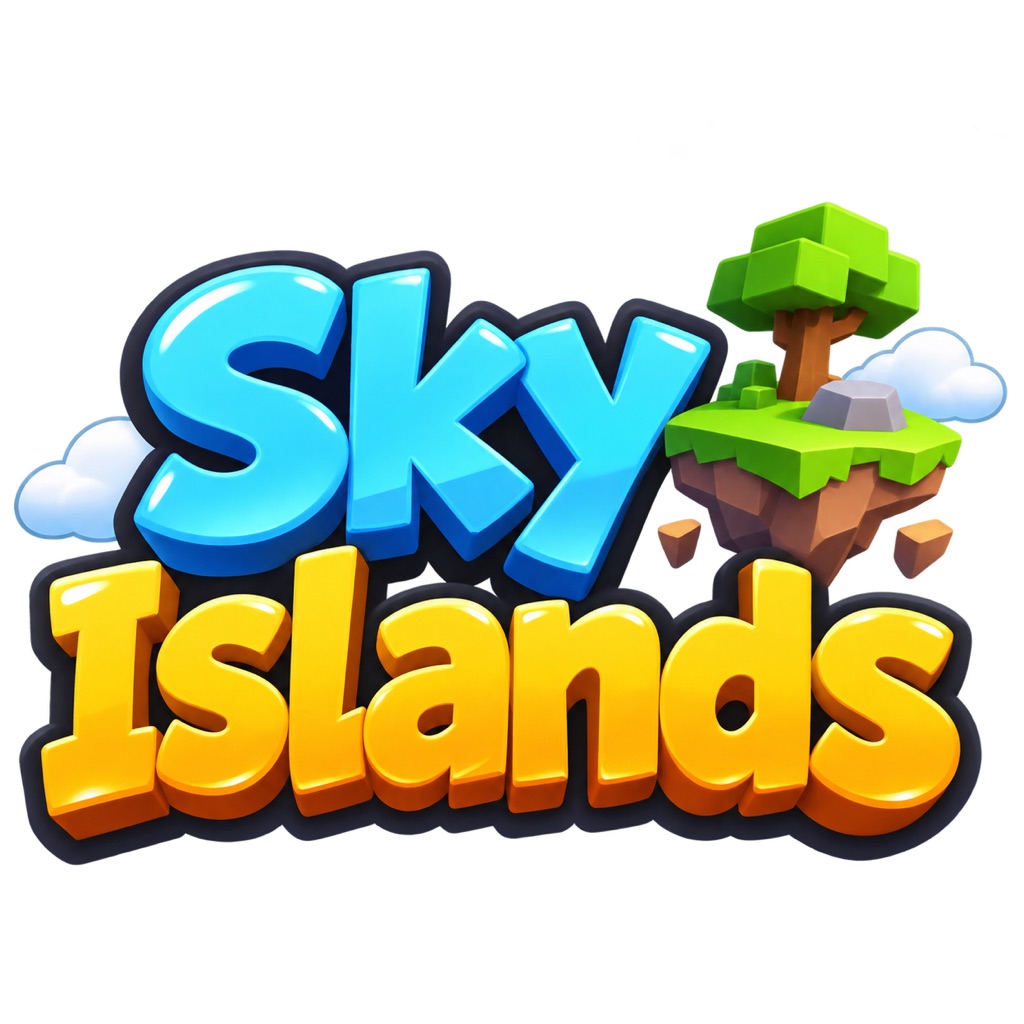
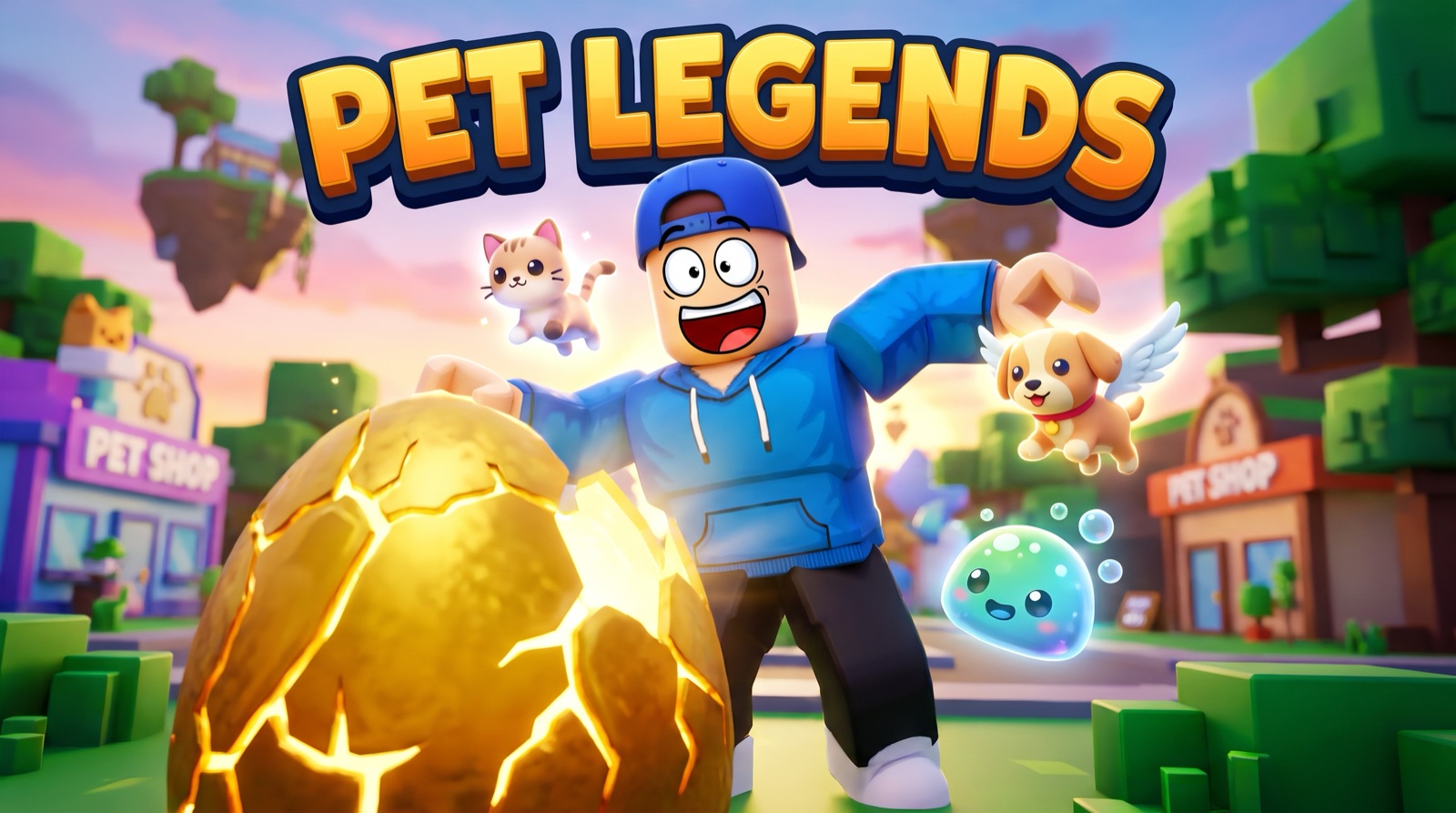
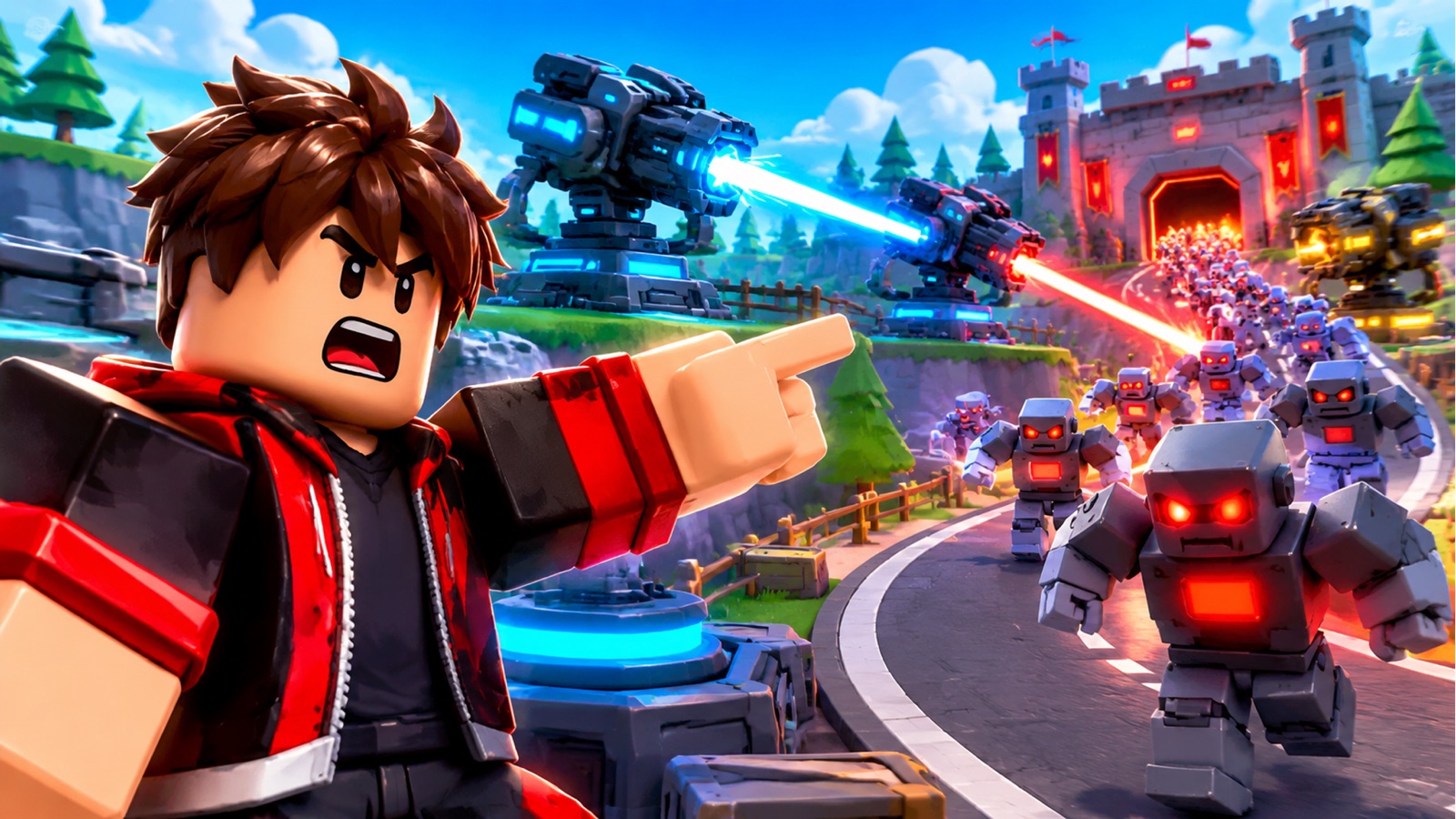
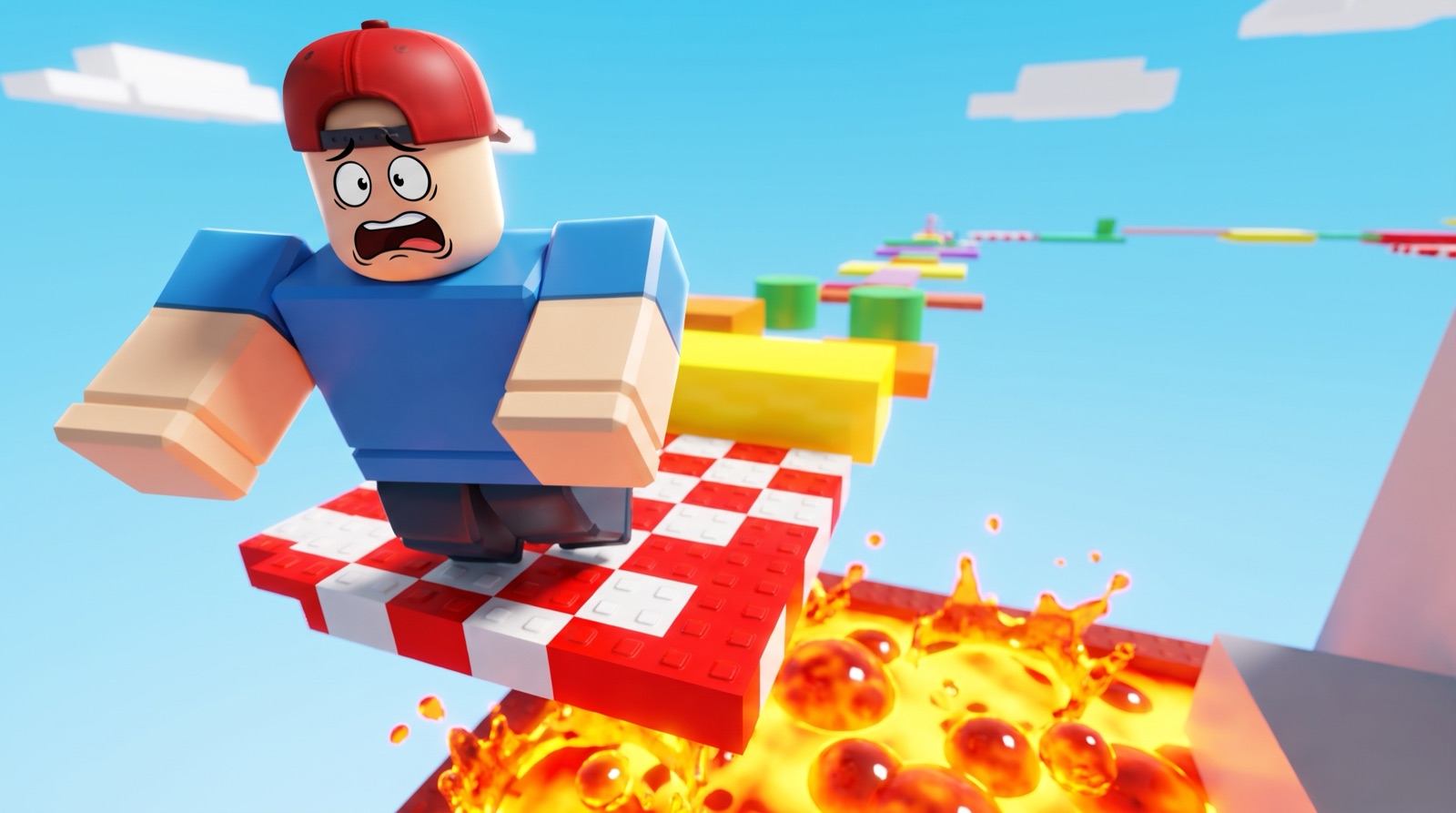
Real 16:9 Roblox thumbnails, icons, GFX, logos, and PFPs made with our Roblox thumbnail AI—click any render to reuse its prompt.
What is an AI Roblox thumbnail maker and generator?
An AI Roblox thumbnail maker (or Roblox thumbnail generator) turns a short prompt or gameplay screenshot into the wide 16:9 banner players see on the Roblox home page and experience page. BloxCanvas handles blocky avatar posing, lighting, foreground contrast, and 3D title lettering in your browser—no Blender or Photoshop required.
Each preset wraps your one-line idea in dedicated Roblox art direction: a 16:9 thumbnail at 2K, a square 1:1 icon, a cinematic GFX render, chunky 3D title lettering, or an avatar PFP. Powered by BloxCanvas 1, Google's Nano Banana Pro, OpenAI's GPT Image 2 and ByteDance's Seedream 5.5, it accepts up to 14 reference screenshots and produces files ready to scale and upload in Creator Hub.
Have gameplay captures already? Try Roblox Thumbnail from Screenshot. Need exact upload specs? Read our Roblox thumbnail size guide, or pair your banner with the Roblox Game Icon Maker, Roblox Game Logo Maker, Roblox GFX Maker, and Roblox PFP Maker.
BloxCanvas is an independent tool and is not affiliated with, endorsed by or sponsored by Roblox Corporation, Google, OpenAI or ByteDance. Roblox is a trademark of Roblox Corporation; Nano Banana is a nickname for Google's Gemini image models.
Roblox thumbnail and icon facts
Checked against the sources linked on each line.
- Thumbnail size
- 16:9, ideally 1920×1080 px, as .jpg, .gif, .png, .tga or .bmp. Thumbnails are stretched to 16:9 whatever shape you upload, and the player count can cover the bottom edge. Roblox Creator Hub
- How many thumbnails
- Up to 10 images or videos per game page. With 2 to 5 active home page thumbnails, Roblox shows each player the most relevant one; in Roblox's testing that raised the qualified play-through rate by 8.5% on average. Roblox Creator Hub
- Moderation
- Every uploaded thumbnail image and video is moderated against Roblox's Community Rules and Terms of Use. Keep home page uploads under 3 MB and 1920×1080 px. Roblox Creator Hub
- Game icon
- Square, at least 512×512 px, and shown as small as 150×150 px in places. One icon per locale, and icon images must pass moderation before others see them. Roblox Creator Hub
- Nano Banana Pro
- Google's Gemini 3 Pro Image, announced November 20, 2025: legible text in images in multiple languages, 2K and 4K output, blends up to 14 images and keeps up to 5 people consistent. Images carry Google's invisible SynthID watermark. Google
- GPT Image 2
- OpenAI's state-of-the-art model for image generation and editing (snapshot gpt-image-2-2026-04-21), with flexible image sizes and high-fidelity image inputs. OpenAI
Built for Roblox game developers
One AI Roblox thumbnail generator with five Roblox styles, reference screenshots, and transparent credit pricing.
How to use our Roblox thumbnail maker
Three steps in one panel.
- 1
Describe it or add a screenshot
Write one line about your game, for example "a pizza tycoon with a blocky chef". Or add gameplay screenshots: JPG, PNG or WebP, up to 10 MB each.
- 2
Pick a style
Thumbnail, icon, GFX, logo or PFP. The style sets the shape and size and adds the Roblox art direction; put the game's title in quotes to draw it in.
- 3
Generate and upload
See the price on the button, press Generate and download the image. Then upload it in the Creator Dashboard, under your place's Thumbnails or Icon.
Which model should I use?
Start with BloxCanvas 1, the default and the cheapest. Switch to Nano Banana Pro for readable titles, to GPT Image 2 for long, detailed scenes, or try Seedream 5.5.
| Blox 1 | Banana Pro | GPT Image | Seedream | |
|---|---|---|---|---|
| Best for | Cheaper drafts and variations | Thumbnails with a readable title | Long, detailed scene descriptions | A different look for thumbnails and edits |
| Resolution | 1K / 2K / 4K | 1K / 2K / 4K | 1K / 2K / 4K | 1K / 2K |
| Reference images | Up to 14 | Up to 14 | Up to 14 | Up to 4 |
| Title lettering | Good for short titles | Most reliable | Clean and precise | Handles short titles cleanly |
| Price | From 3 credits | From 5 credits | From 4 credits | From 6 credits |
 Blox 1
Pay per thumbnail
300 credits for $9.99. A Nano Banana Pro thumbnail at 2K is 6 credits, about $0.20 in the smallest pack; Nano Banana Pro at 1K is 5 credits, and BloxCanvas 1 costs less.
Starter
300 credits
$9.99
one-time
- ≈ 60 Nano Banana Pro images at 1K
- ≈ 37 Nano Banana Pro images at 4K
- $0.17 per Nano Banana Pro 1K image
Creator
1000 credits
Save 10%$29.99
one-time
- ≈ 200 Nano Banana Pro images at 1K
- ≈ 125 Nano Banana Pro images at 4K
- $0.15 per Nano Banana Pro 1K image
Studio
2500 credits
Save 16%$69.99
one-time
- ≈ 500 Nano Banana Pro images at 1K
- ≈ 312 Nano Banana Pro images at 4K
- $0.14 per Nano Banana Pro 1K image
BloxCanvas 1
BloxCanvasBloxCanvas's own image model, the default and the lowest price here. Good for drafts, icons and variations.
| Resolution | Per image | ≈ Price |
|---|---|---|
| 1K | 3 credits | $0.10 |
| 2K | 3 credits | $0.10 |
| 4K | 4 credits | $0.13 |
Up to 14 reference images per edit, included in the price.
Nano Banana Pro
GoogleGoogle's Gemini 3 Pro Image. The most reliable title lettering, and good at keeping characters consistent across reference images.
| Resolution | Per image | ≈ Price |
|---|---|---|
| 1K | 5 credits | $0.17 |
| 2K | 6 credits | $0.20 |
| 4K | 8 credits | $0.27 |
Up to 14 reference images per edit, included in the price.
GPT Image 2
OpenAIOpenAI's image model. Follows long, detailed scene descriptions closely and sets clean, precise lettering for titles and logos.
| Resolution | Per image | ≈ Price |
|---|---|---|
| 1K | 4 credits | $0.13 |
| 2K | 5 credits | $0.17 |
| 4K | 6 credits | $0.20 |
Up to 14 reference images per edit, included in the price.
Seedream 5.5
ByteDanceByteDance's Seedream 5.5, at 1K or 2K, from a prompt or up to 4 reference images.
| Resolution | Per image | ≈ Price |
|---|---|---|
| 1K | 6 credits | $0.20 |
| 2K | 8 credits | $0.27 |
Up to 4 reference images per edit, included in the price.
One-time packs · purchased credits never expire · back automatically if an image fails
Roblox thumbnail maker & generator FAQ
It's a Roblox thumbnail AI tool that makes the 16:9 image shown for your game on the Roblox home page and experience detail page. On BloxCanvas you describe your game in one line or upload a screenshot, pick a style, and generate a thumbnail, icon, GFX, logo, or PFP in the browser with no Blender or Photoshop.
Type one line about your game—genre, main avatar action, and setting—with the title in quotes if you want it drawn in, for example: a lava obby with players jumping between platforms, title "LAVA RUSH". Keep the Thumbnail style, press Generate, and download the 16:9 2K image. Or switch to From screenshots and upload gameplay shots to redraw.
You can start free. A new account gets 9 credits, enough for 3 BloxCanvas 1 images. Check in every day for 3 more free credits, one BloxCanvas 1 image. After that, images use credits from one-time packs: 300 credits for $9.99. Failed images cost nothing. Until your first purchase, images carry a small BloxCanvas watermark in the corner; buying any pack removes it, from your earlier images too.
A Nano Banana Pro thumbnail at 2K is 6 credits, about $0.20 in the smallest pack (300 credits for $9.99). Images run from 5 credits (Nano Banana Pro, 1K) to 8 (Nano Banana Pro, 4K), BloxCanvas 1 costs less, and the button shows the exact cost before you generate.
Roblox asks for a 16:9 image, ideally 1920×1080 px, in .jpg, .gif, .png, .tga or .bmp; other shapes are stretched to 16:9. BloxCanvas makes thumbnails 16:9 at 2K, so scale them to 1920×1080 before you upload, and keep home page uploads under 3 MB. Keep the title off the bottom edge, where the player count can cover it.
Yes. Switch to From screenshots, upload one or more shots from your game and say what to do with them, for example: zoom in on the two players and add a lava glow. The model starts from your map, characters and colors. The Roblox Thumbnail from Screenshot page opens with a ready prompt.
Yes. Put the exact title in quotes, for example "PIZZA TYCOON", and it's drawn in as bold 3D cartoon lettering. Short titles of one to three words come out right most often, and Nano Banana Pro and GPT Image 2 spell best. If a letter is off, generate again or shorten the title.
Tycoon, obby, simulator, horror, tower defense, racing, anime fighting, and town roleplay all work well—you can see real examples with prompts in the gallery above. Name the genre, the main blocky avatar action, and the mood in one sentence to get a focused scene.
Four: BloxCanvas 1, BloxCanvas's own model, the default and the cheapest; Google's Nano Banana Pro (Gemini 3 Pro Image); OpenAI's GPT Image 2; and ByteDance's Seedream 5.5. All four work from an idea or from screenshots.
In the Creator Dashboard, open your game, go to Configurations > Places, pick a place, and click Thumbnails. The Home Page tab lets you activate 2 to 5 thumbnails for Roblox thumbnail personalization, and the Experience Detail Page tab holds up to 10 images or videos.
Yes. The images you make are yours to use, including on your game's page and in your promotion, as long as your prompt and uploads don't copy someone else's characters, logos or art and the result follows Roblox's Community Rules. See the terms for details.
No. BloxCanvas is an independent tool and is not affiliated with, endorsed by or sponsored by Roblox Corporation. Roblox is a trademark of Roblox Corporation. You upload the images to Roblox yourself, and Roblox moderates every thumbnail and icon.
They're used only to make your image and are deleted 30 days later. Finished images stay in your history until you delete them, and no one else can see them.
Your credits go back to your balance automatically. Requests the provider rejects, for example for content, are not charged either.
Make your next Roblox thumbnail with AI
Describe your game in one line or drop in a screenshot—16:9 at 2K, ready for Creator Hub.
Start creating